 |
 |
 |
 |
 |
 |
 |
 |


|
||||||||
|
|
2/27/2012
SolidStructural-10.6 - new Release
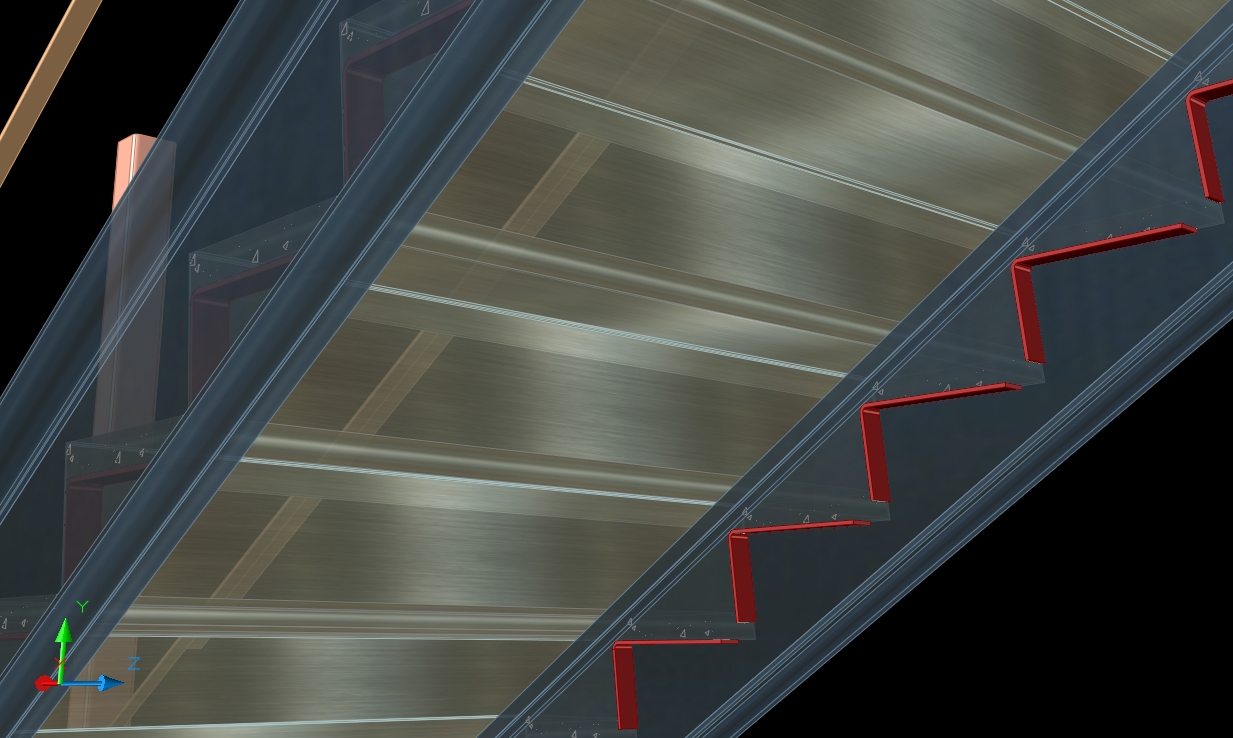
- Stair rail posts - add base plates.
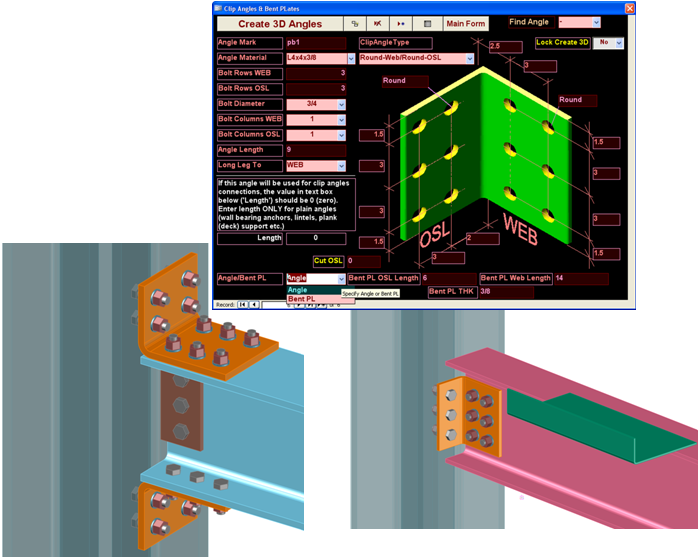
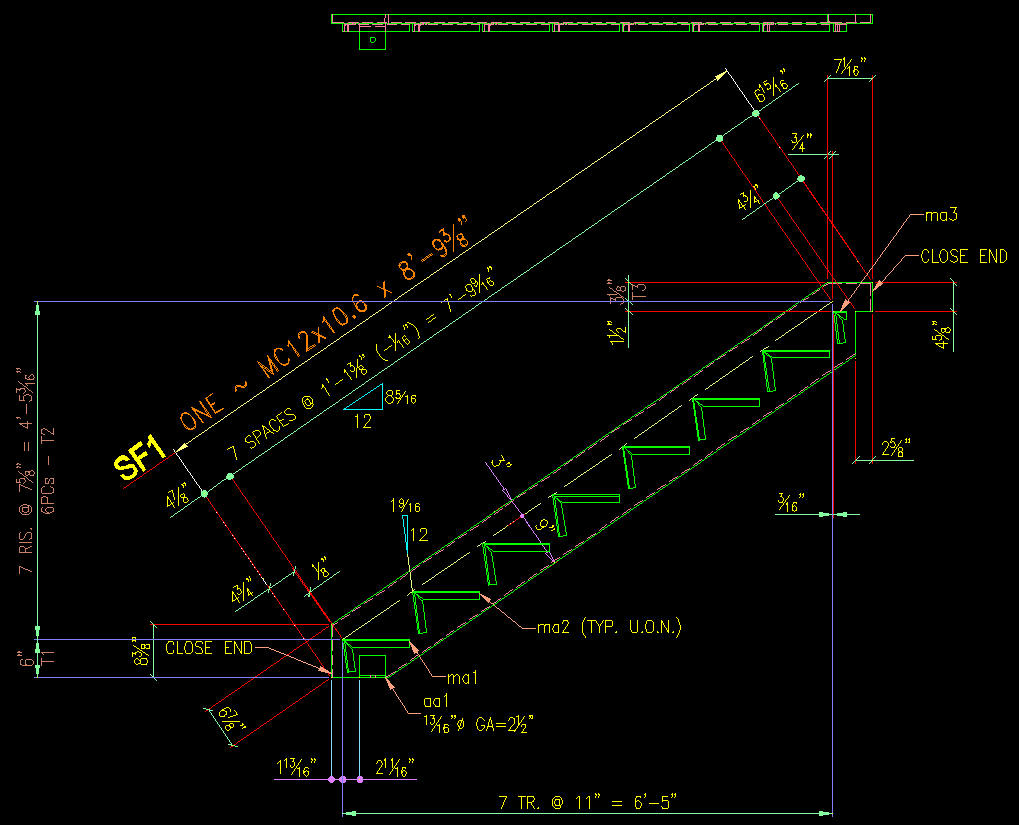
- Stair materials - conn. angles & other new options
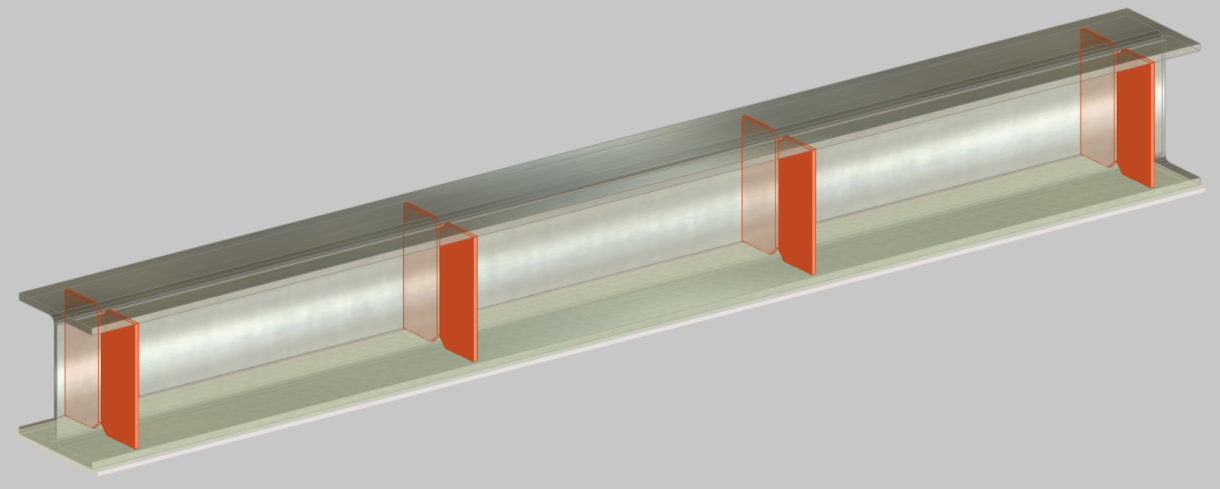
- Channel beam stiffeners: 3D modeling and auto detailing
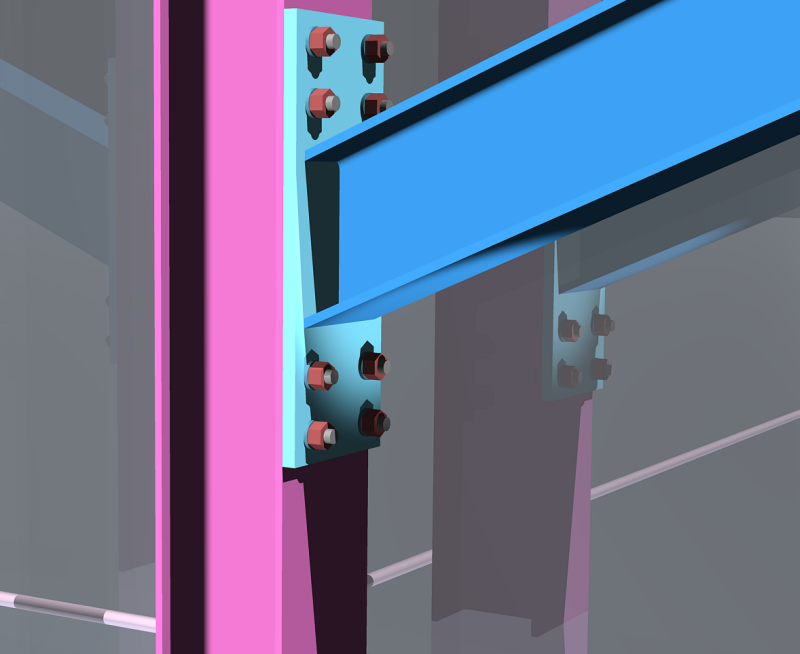
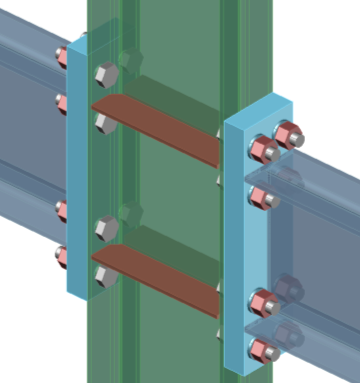
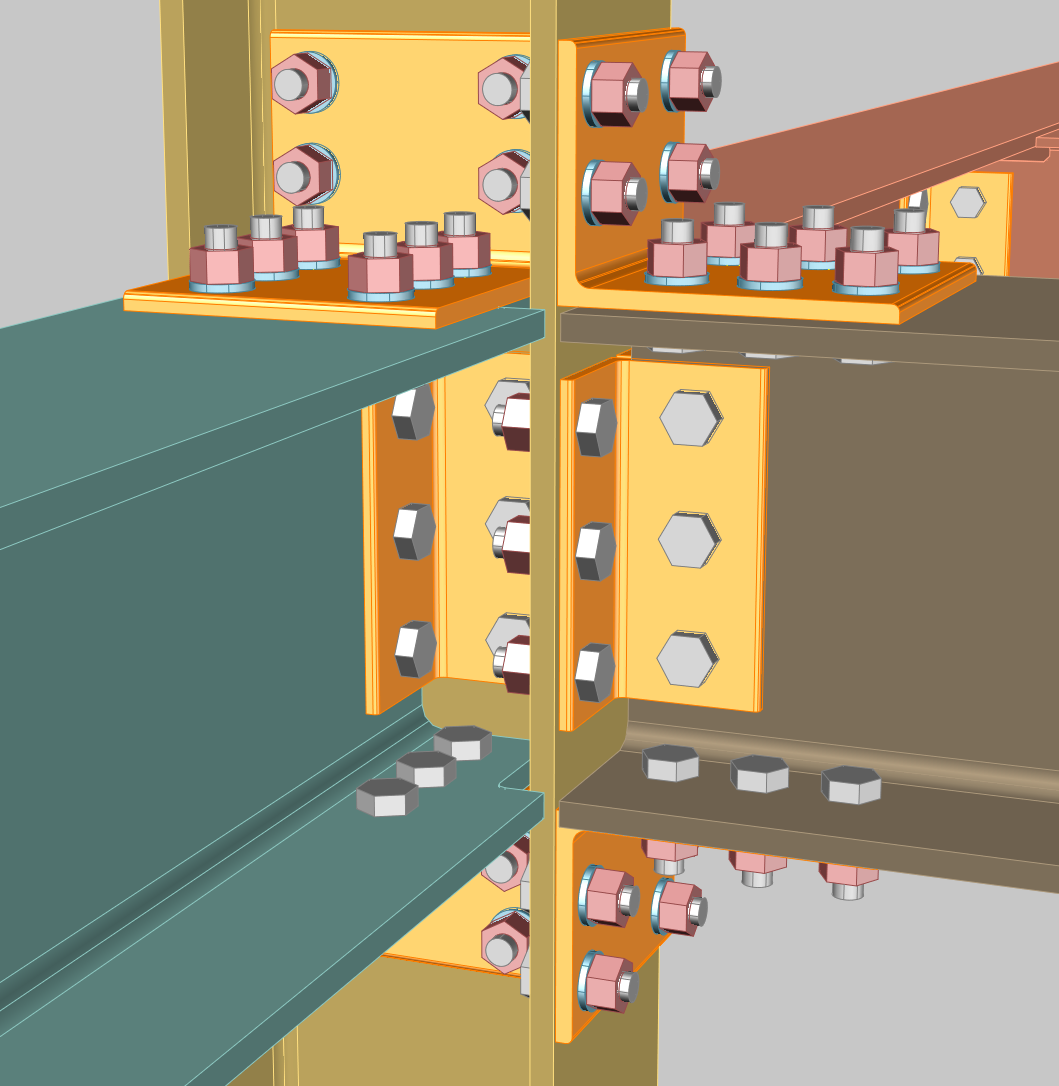
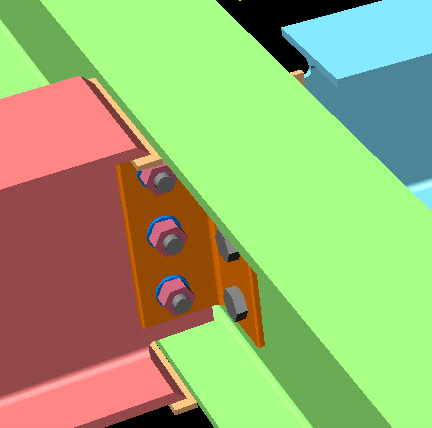
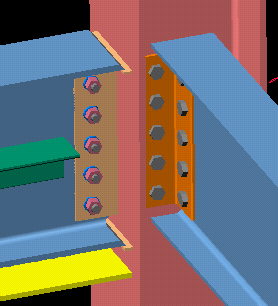
- Improved Moment welded connections
- Special fasteners 2D/3D
10/21/2011
SolidStructural-10.5 - new Release
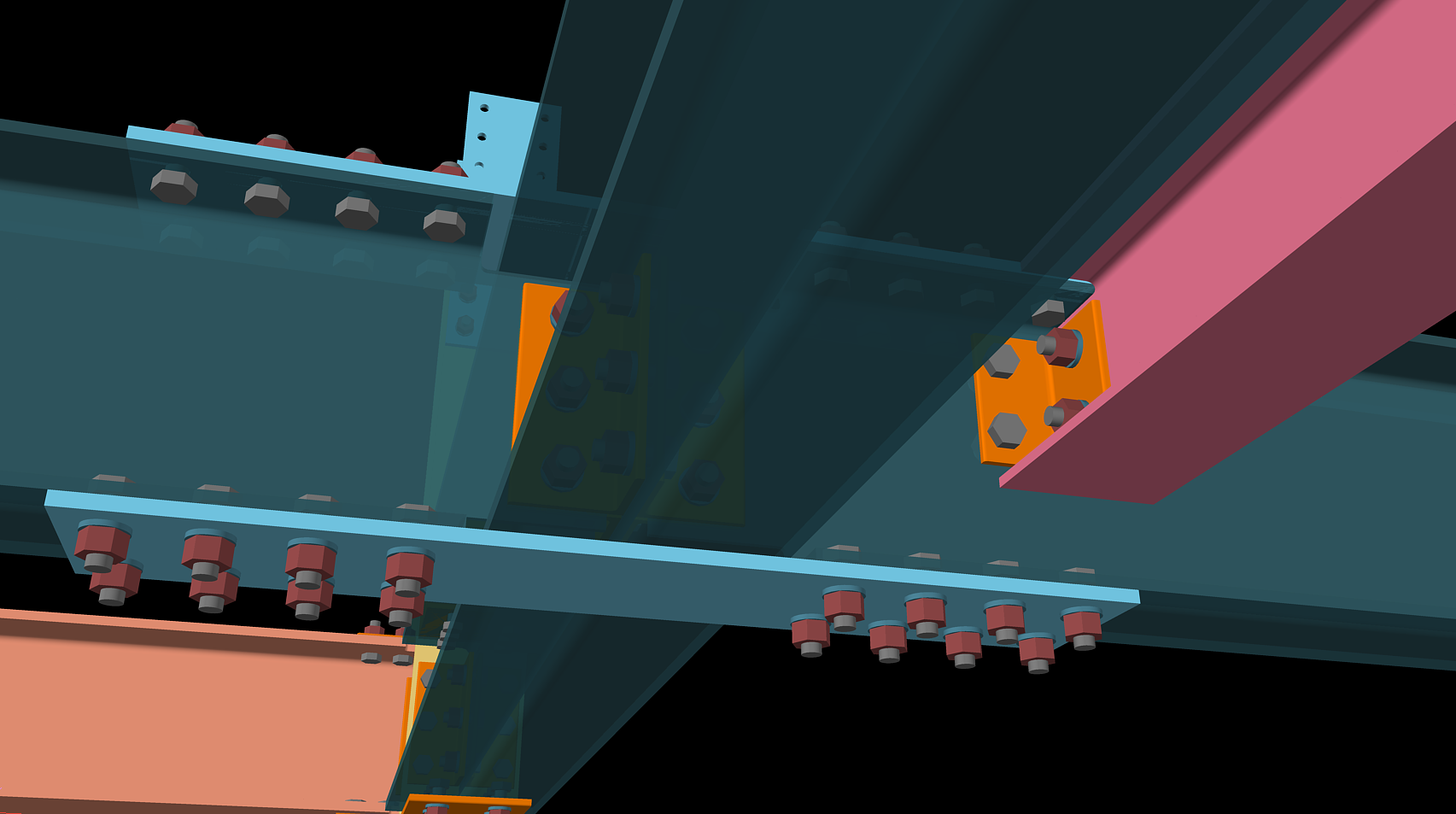
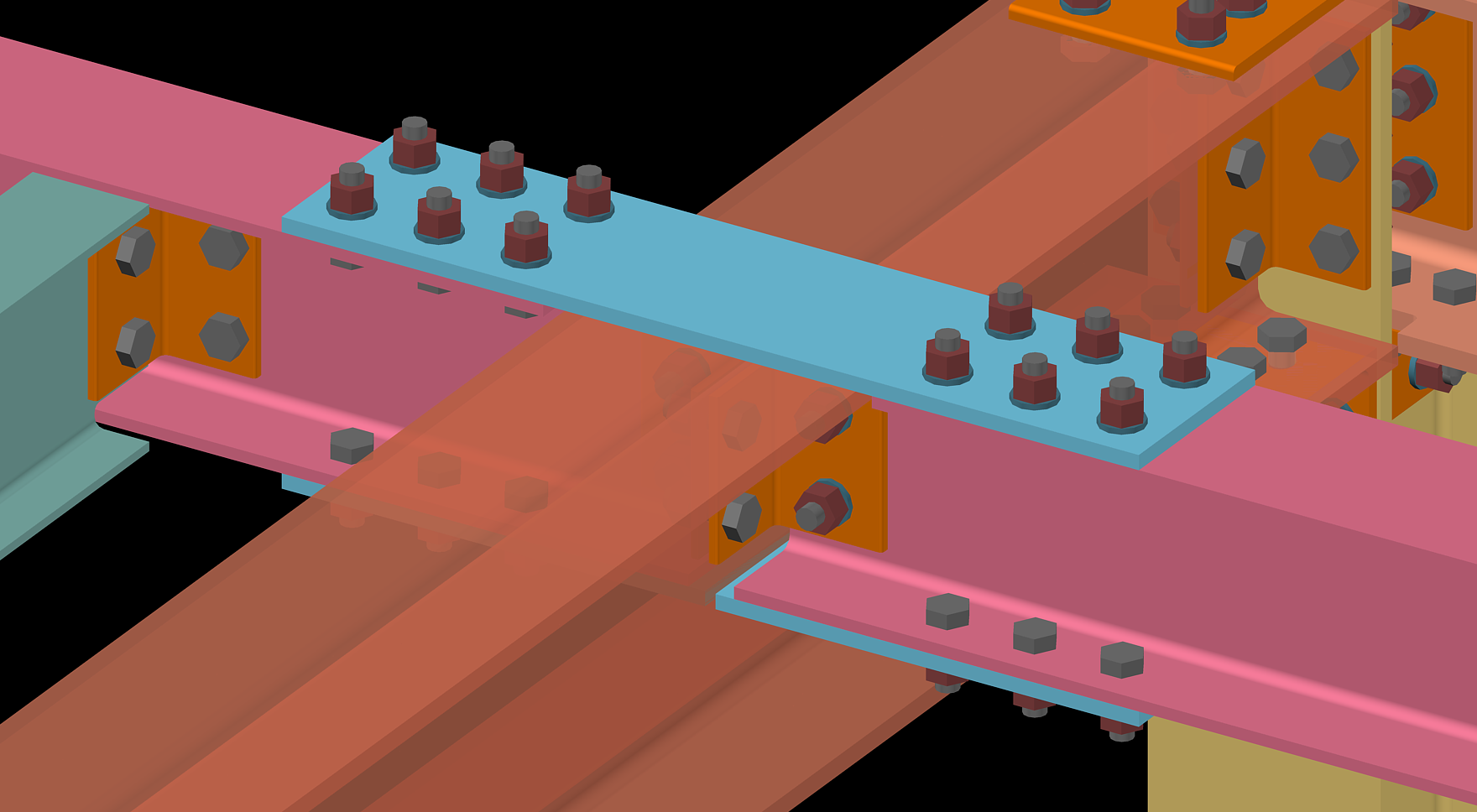
- Improved Beam Splice connections: duplicate plates, bolt length adjustment.
- Stair with grating treads - new options
6/14/2011
SolidStructural-10.4 - new Release
- Balusters: Quick drafting and Auto Detailing
- Stair Rails new options in design
- Improved Columns and Beams detailing
- Holes in stringers for grating and bent plates treads: add in 3D model and autodetailig
10/22/2010
SolidStructural-10.3 - new Release
- Improved Moment and Splice connections
- New search and global changes options: using structural member ID and location in 3D Model
- Added diamond plates treads for stairs
- Custom Clip Angles and Shear plates
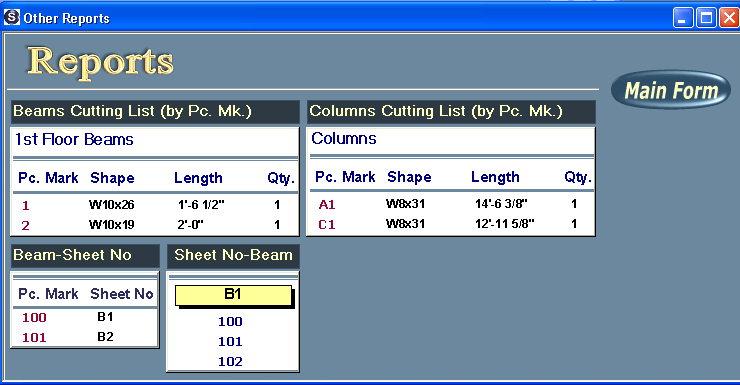
- New reports for fabrications: Columns and Beams by piece mark; List of Beams and others
6/5/2010
SolidStructural-10.2 - new Release
- Double materials and improved braces
Short video (click on image below):
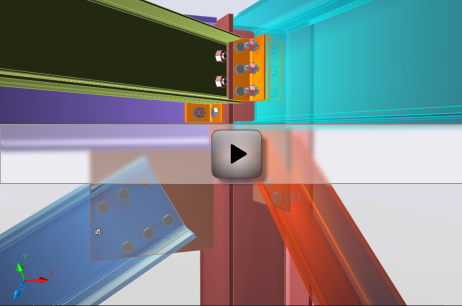
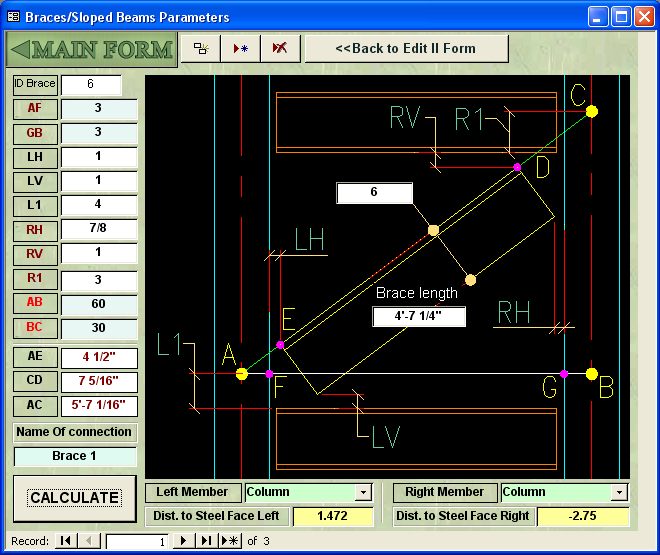
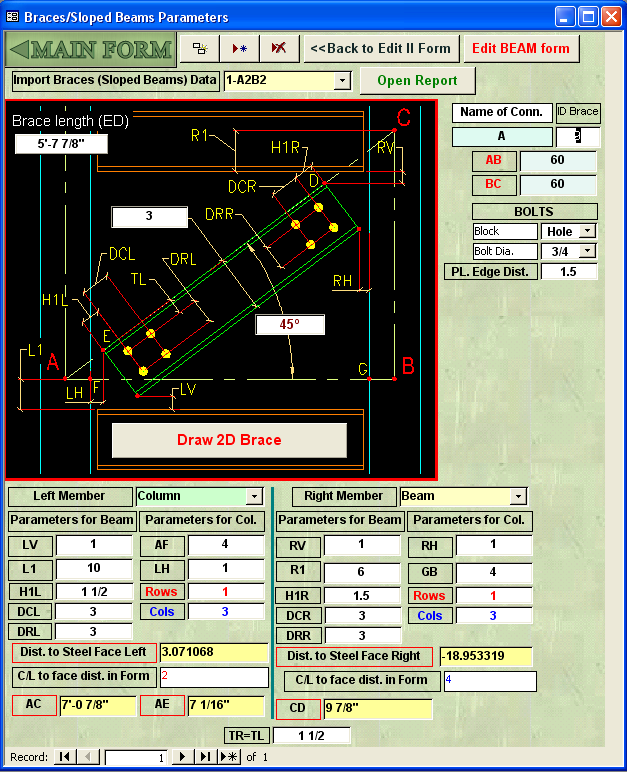
- New design of Braces/Sloped Beams parameters Form
-
 Movie:
2D Brace Auto
drafting
Movie:
2D Brace Auto
drafting
- Columns Base/Cap plates detailing: improved dimensioning.
- Stair Rails fixed modeling
- Acad Pipe - new application for quick design and drafting of piping in AutoCAD
1/12/2010
SolidStructural-10.1 - new Release
- Bent PLates: Connections and added materials (click on the link below):
Solidstructural10.1/BentPLates.htm
|
|
|
- Auto Detailing of rolled Lintels/Beams: Rolled Lintels/Beams - Parametrical Rails in AcadCalcStair - web page: http://www.nyacad.com/AcadCalcStair.html
- Improved Select Shapes module (access from SolidStructural Main form): SelectShapes.html - Dynamic blocks-fasteners (bolts, nuts, pipe supports etc.): Bolts Form - New types of multilines: Multilines Form - Deck/Concrete - new dynamic blocks: Deck/Concrete Form |
09/03/2009
SolidStructural-09.8 - new Release
|
|
|
|
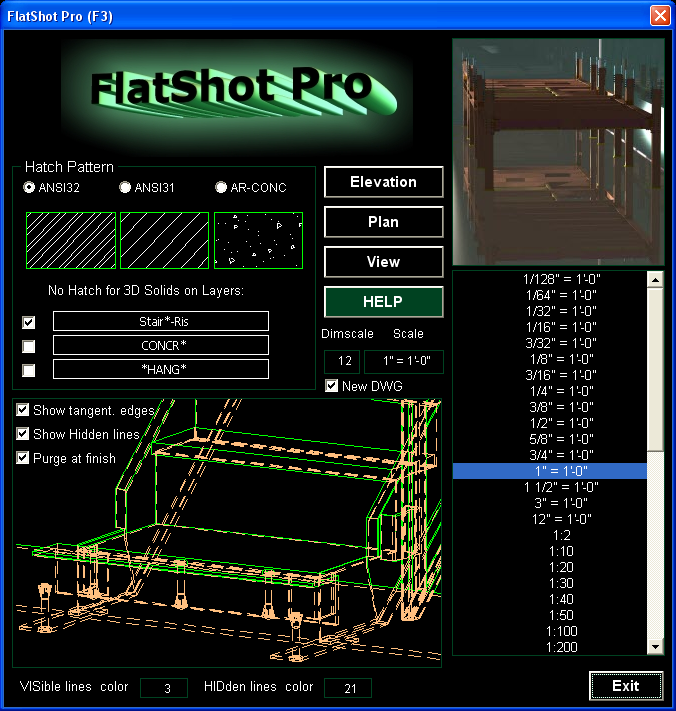
FlatShot Pro - Produce elevations, plans and isometric views automatically from 3D model |
|
|
|
|
|
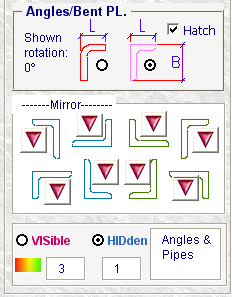
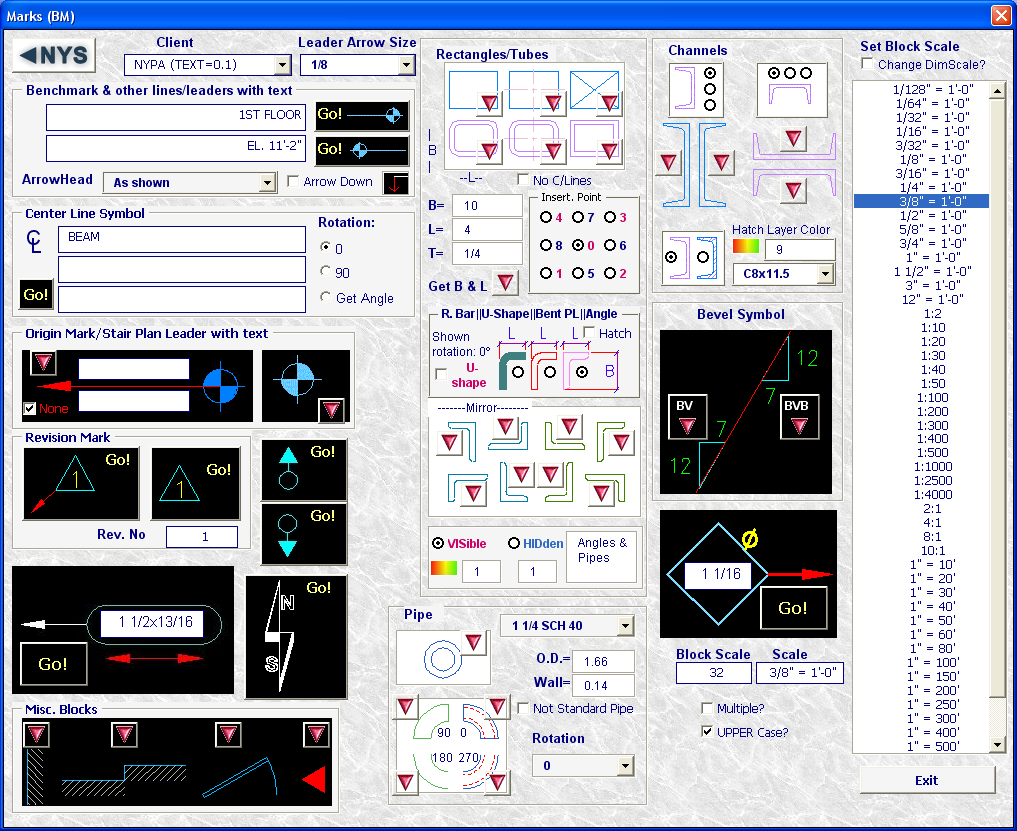
Form Marks (Acad Officer) - add Angles and Bent PLates blocks (click on form image to enlarge) |
|
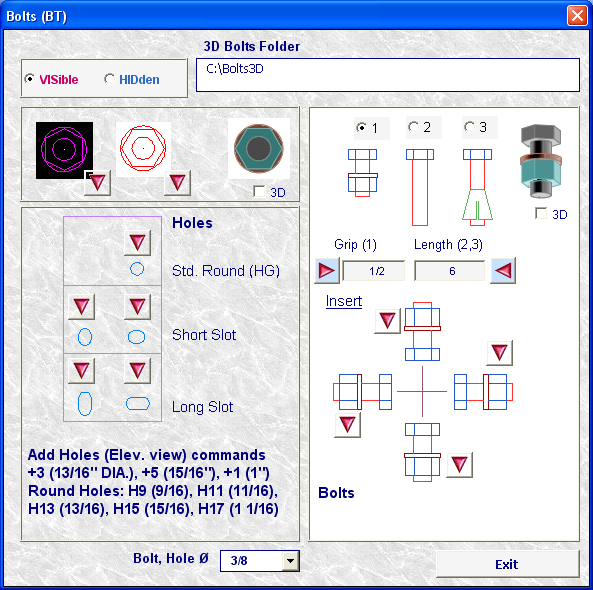 3/8" Dia. bolts available for all connections and added in Acad Officer Bolts (BT) form |
|
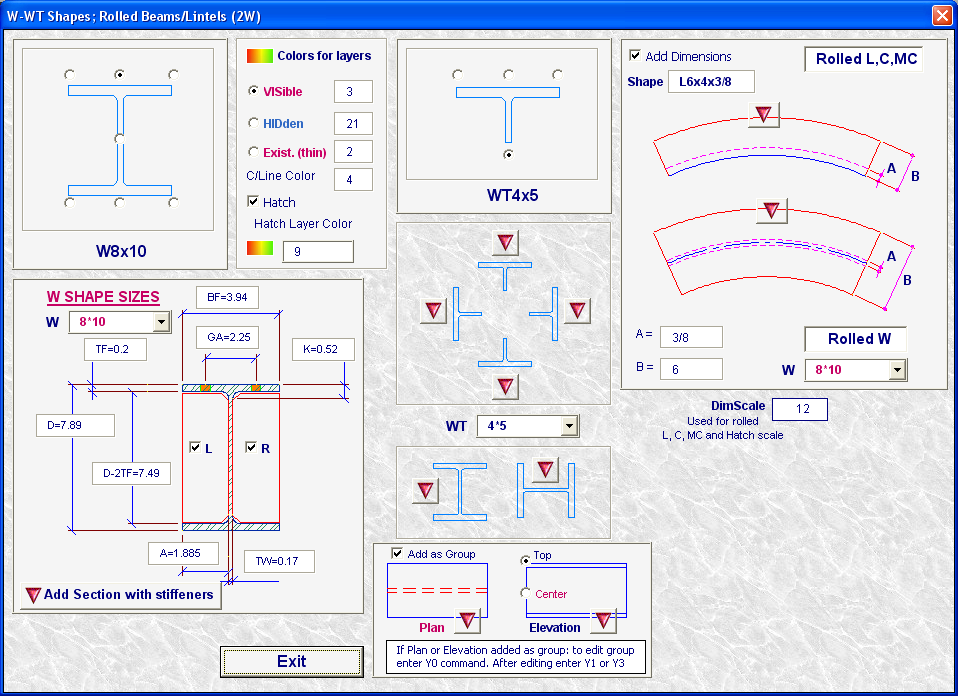
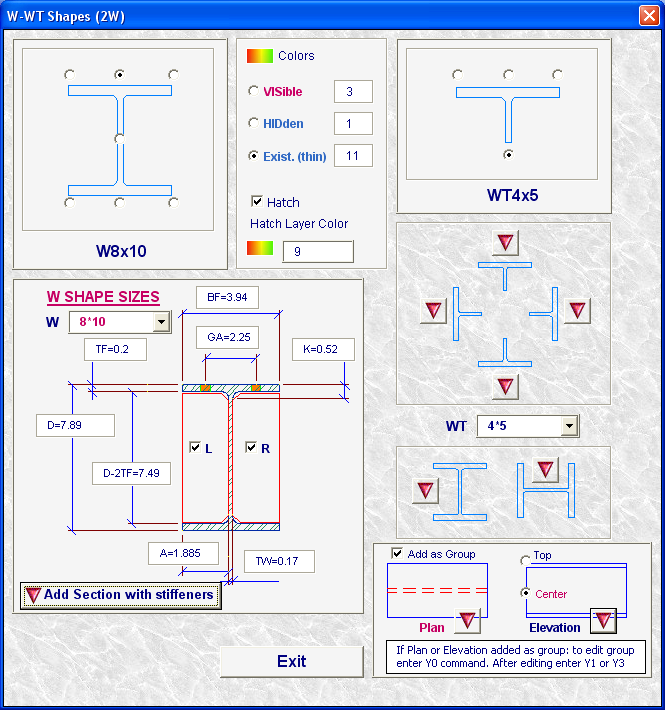 Form W-WT Shapes (Acad Officer) - add W shape with stiffeners (auto generated sizes); W-shapes plans and elevations; W-shapes dimensions |
|
03/16/2009
SolidStructural-09.7 - new Release
|
|
|
|
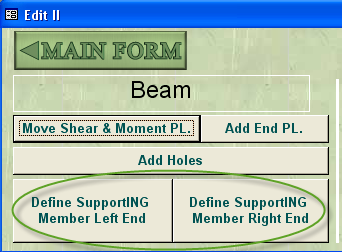
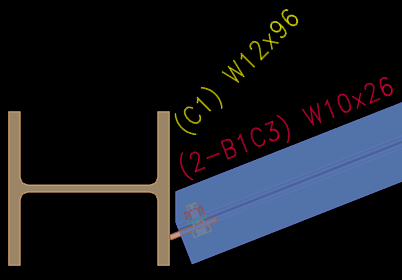
- User's defined supporting columns (Edit II form). With this option the program can handle complicated framing conditions: beam end offset from column center. |
|
|
|
|
- Define Brace/Sloped Beam Parameters (Edit II form): Dist. to steel Face, Length of Brace, P/P dist. and others
|
|
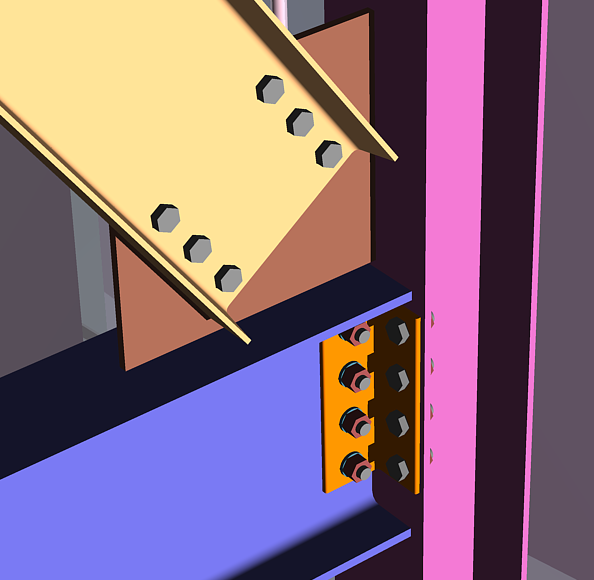
- Improved Braces/Sloped beams
Enhanced End PLates connections
|
01/29/09
SolidStructural-09.6 - new Release
- Add Material-Shear PL to Column In Add Materials form
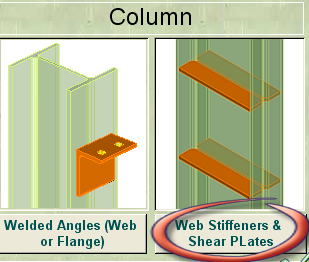
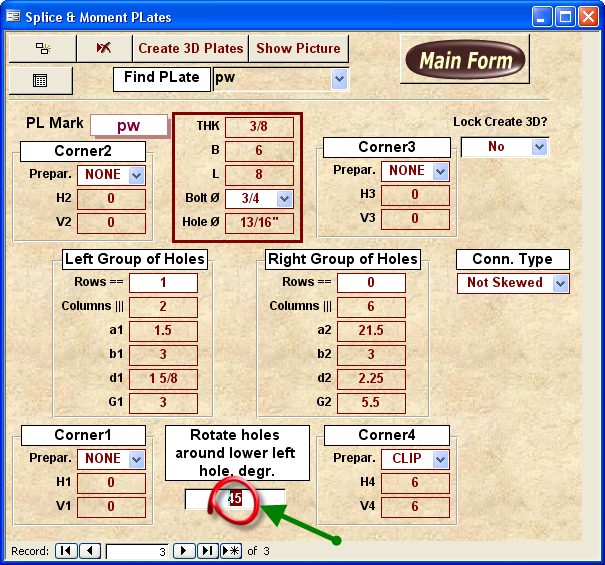
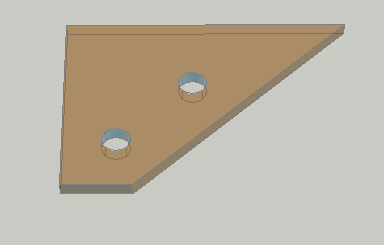
- Splice plates new parameters
 |
 |
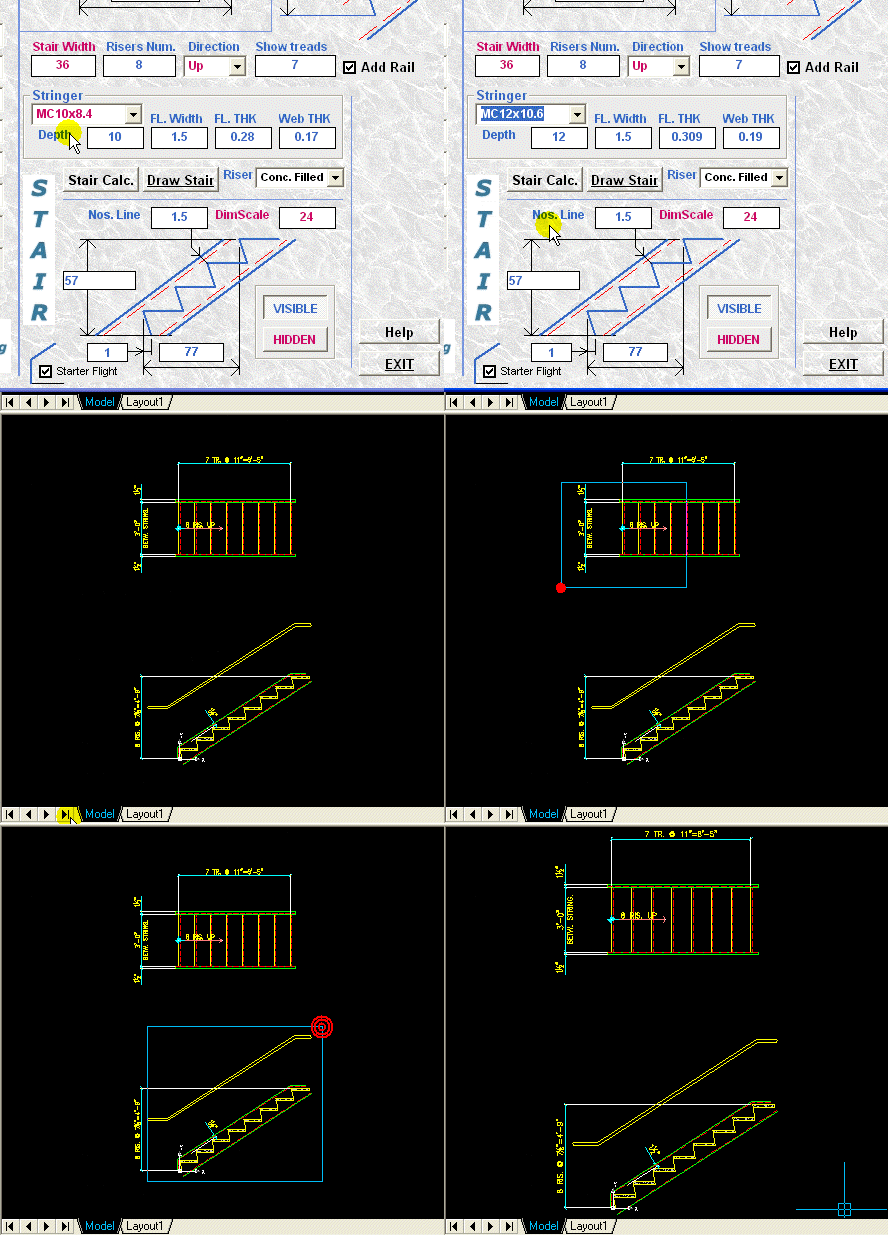
- Concrete filled pans, expanded list of materials for stringers and other new options in AcadCalcStair program
- Add assemblies to beams
...Loading. Wait...
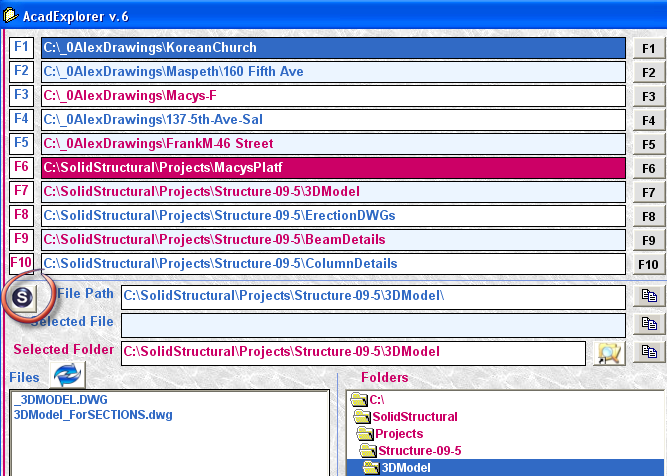
- Populate F7-F10 folders with SolidStructural Projects subfolders in AcadExplorer form
- Auto generate Stiffener PLates drawings for Gather sheets
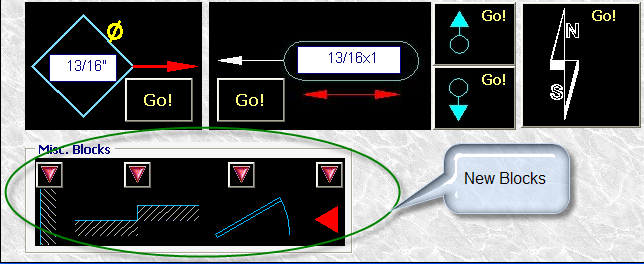
- New blocks (moment conn. symbol, door and others) in Acad Officer Marks form
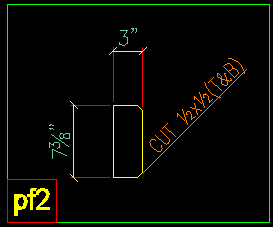
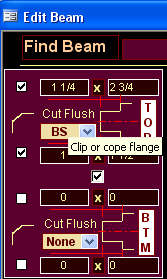
- Clip beam flanges (Edit Beam -form)
- New leaders commands: KW, 3K, 3KW - Leaders with auto width of mtext, 3 points leaders
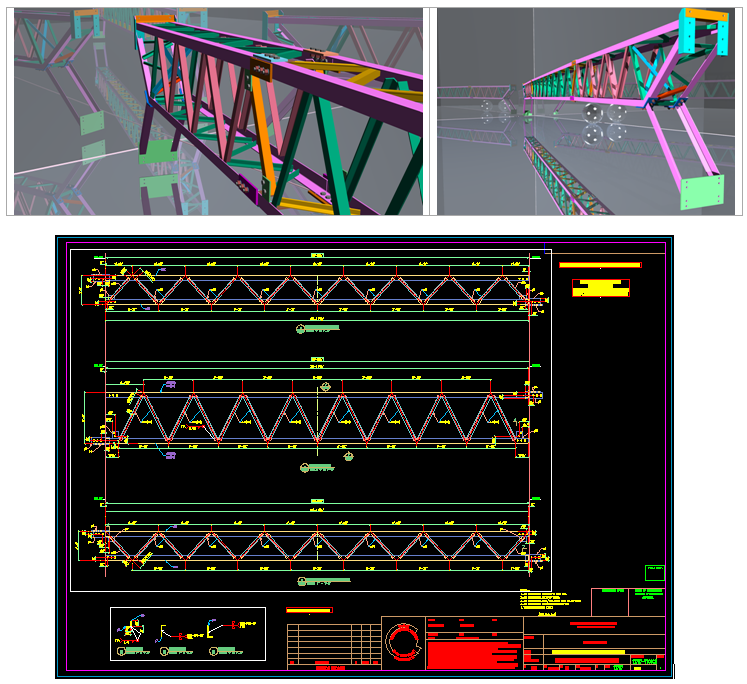
- Trusses
--------------------------------------------------------------------------------------------------------------
09/15/08
SolidStructural-09.5 - new Release
- Edit BOM: play video
- AutoCAD tools : Auto-annotation of drawings containing blocks; Bevel, new benchmark and other symbols; multilines-braces; new dimensions utilities;
- Offset of Column base plate and beam splice plates
- Beam rotation around its axis
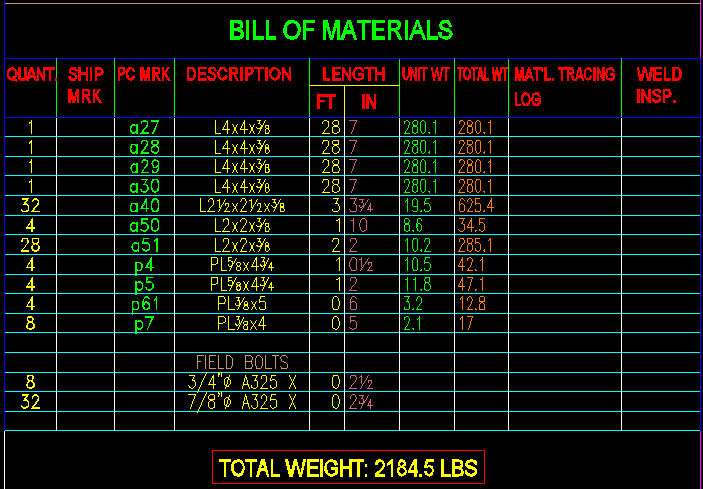
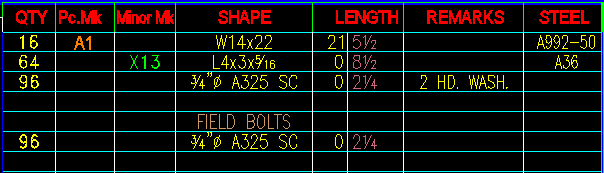
- BOM settings: include weight and field bolts; total weight (see pictures below)
.....................................................................................................................................................................
05/12/08
SolidStructural-09.4 - new Release
- Gather sheets: auto generation of drawings of submaterials, add BOM; automated gather sheet composition.
Play video: Gather Sheets
- Improved Moment connections.
- Add assemblies options: Xrefs, Blocks and Exploded Blocks.
- Posts for Stair rails.
- User's shear and moment plates.
- Add gusset plates to beams; array of plates option.
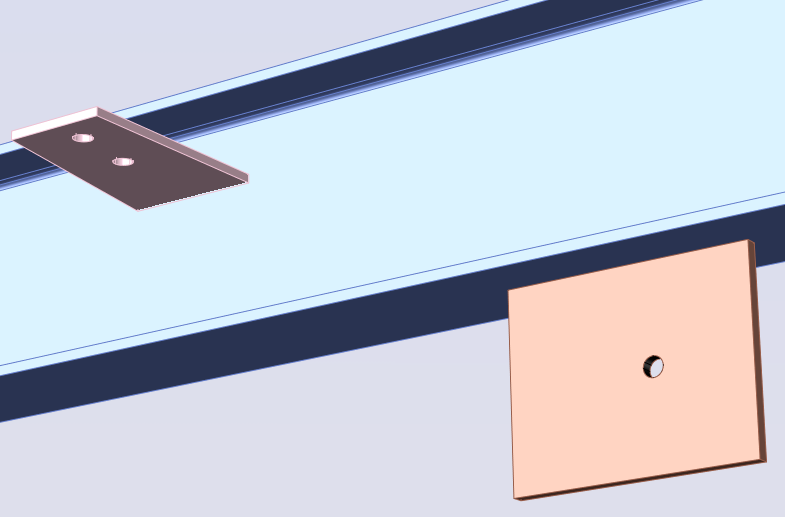
Gusset plates
--------------------
09/09/07
SolidStructural-09.3 - new Release
2D drafting tools added in SolidStructural and Acad Officer (stairs, structural shapes, bolts, deck and others)
--------------------
03/09/07
SolidStructural-09.2 - new Release
|
Column Stiffeners. Beam End Plates |
Shear studs |
|
Stringer Detail (play video: Stringer Auto Detailing)
|
|
|
Stair. Using textures in new release New report: Stair Pans Schedule
02/03/07 SolidStructural-09.1 - new Release |
|
|
|
Angle Moment/Seated connections |
|
Enhanced Beam Splice connections |
|
|
Beam Stiffeners |
|
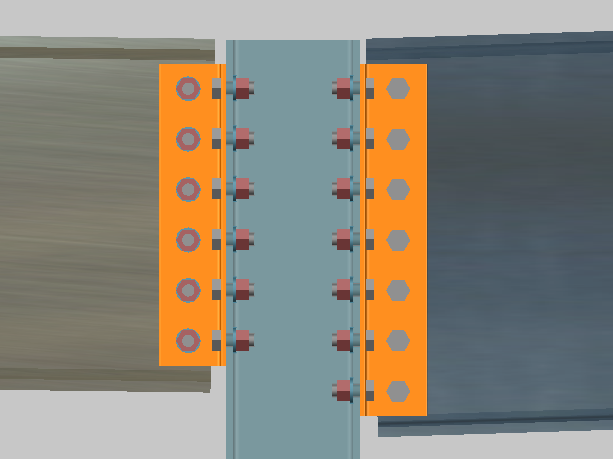 Sloped Beams
|

Stairs. Flat bars in design |
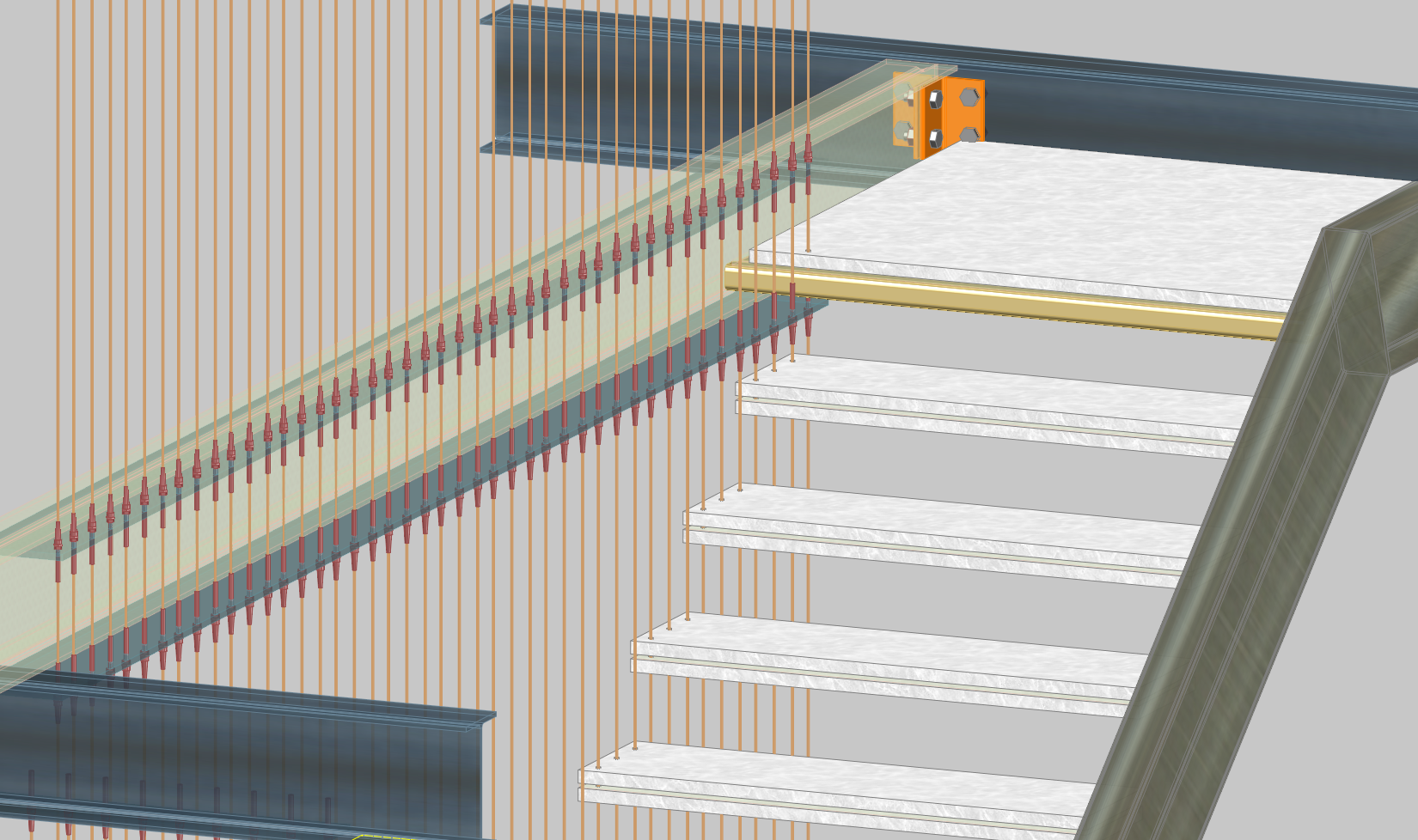 Assemblies
|
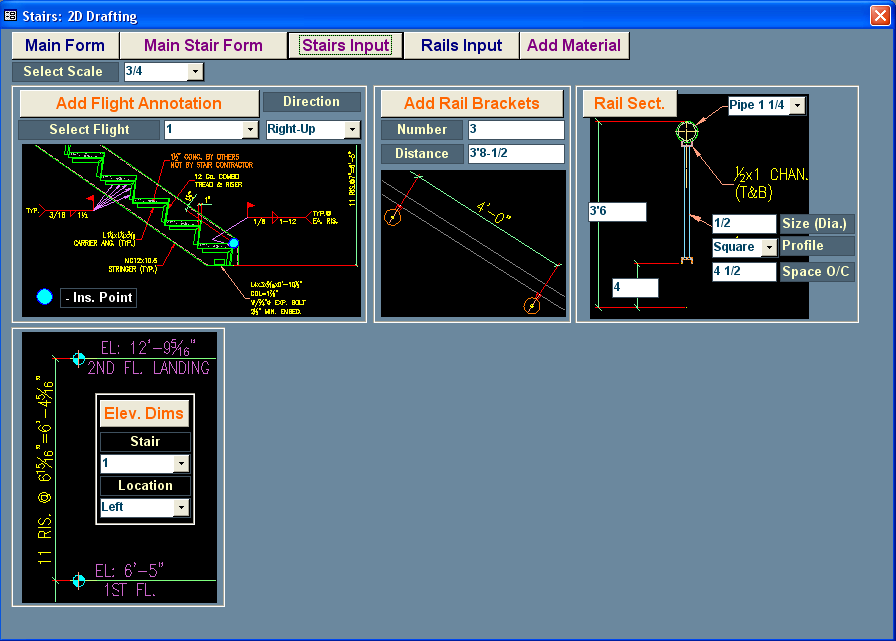
Stairs: 2D Drafting Tools |
|
|
04/07/06
SolidStructural-08.7 - new minor Release
Added Column splice connections: Image, Drawing (DWF), Drawing (PDF), Column Splice 3D (DWF)
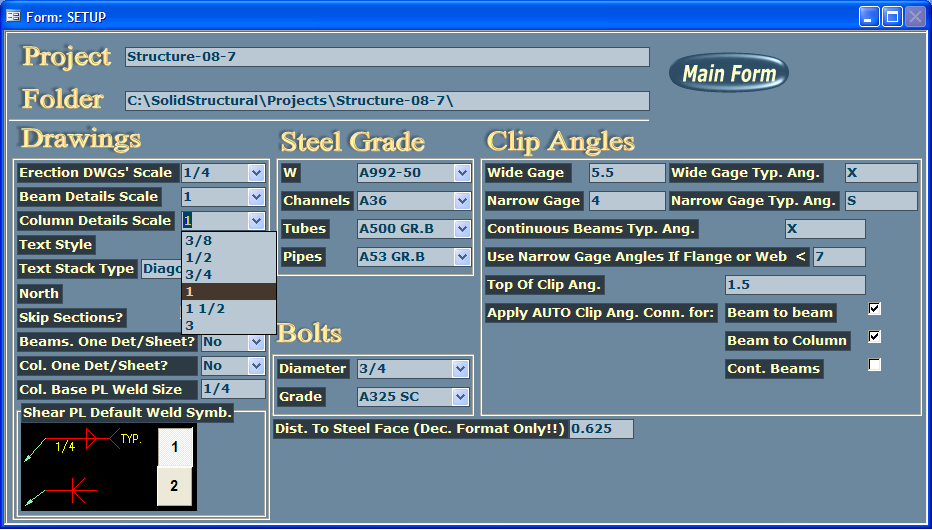
Redesigned forms: Setup (weld shear plate setting; 1/2, 3/4 and 3/8 - added scales for detailing) and Edit Column
Improved and compact representation of beam details: Example of sheet
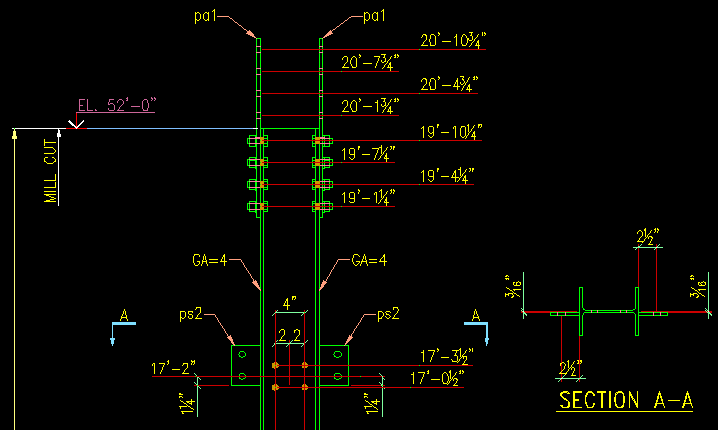
Top and bottom elevations of column are indicated on drawing: Image
Stair flights added in 3D model as XReferences (not as blocks). Performing Generate Flights 3D automatically updates entire 3D model of structure
Enhanced speed of Update and Create 3D model procedures
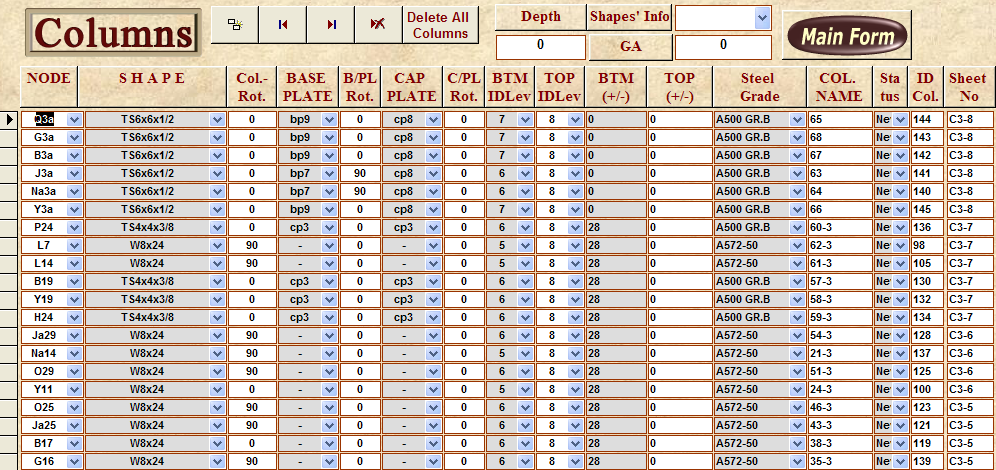
New report Sheet-Column (add number of sheet in Columns form)
Reports Plates and Angles can be printed for selected piece marks (use Change Filter form to select members for reports)
01/03/06
SolidStructural-08.6 - new minor Release
Stair Manual: SolidStructural Stairs Manual (ZIP)
Stair Examples: 3D DWF models - Stair4 and Stair5; 2D DWF files; AutoCAD 2004 format drawing, AutoCAD 2000 format drawing, PDF format
New form: Other Reports (play video Sheets and Other Reports.exe)
New form (accessed from 'Add materials' form): Add Rectangular Walls/Plates (can be used for adding base plates of posts and simple rectangular walls)
New and redesigned Reports: SolidStructural_Reports.pdf
New option in Wall Bearing angles form: add anchor angles on NS or FS only
New videos (ZIP file): SS08_MainVideos.zip
Acad Officer: Adding Rails in AcadCalcStair Module, Fill BOM and multiple insertion of drawings (details) in AcadExplorer module. Play videos: Stair with Rail.exe , Fill BOM and Multi Insert-XRef
SolidStructural v. 7. New features
|
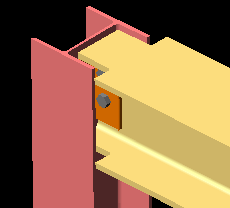
Weld Moment connections: Beam-to-beam and beam-to-column skewed and straight framing conditions; auto detailing is provided. This type of connection is extremely difficult to perform using graphical input, as do the other 3D steel detailing programs (beveling flanges manually, complicated navigation, adding backing bars in manual regime etc.). SolidStructural offers very simple input in ‘Beam Edit’ form (as shown below). The rest is in auto regime.
|
|
||
|
Plates welded to bottom flange of the beam: Attachment of plates to bottom flange of the beam. Options: define type of weld; offset of plate from centerline of member; assign distance from the left end of beam. This type of connection usually is ignored by other 3D steel software. SolidStructural gives at your disposal convenient input and Auto detailing for this type of connection. |
|
||
|
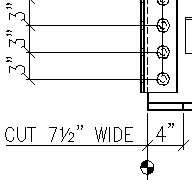
Beam Flange Preparation: SolidStructural handled this type of beam end preparation since release 2. In new release added auto dimensioning and annotating in drawings of piece details. The user can specify the size and type of cut operation (cut wide or cut flush). |
|
|
|
|
User-Auto parameters:
In new release user or auto parameters can be assigned for clip angles OSL center-to-center distance, flanges preparation, column base plate weld size and sizes of copes. |
|||
|
Erection drawings enhancement: SolidStructural v.7 provides more capabilities and options for better performance of erection drawings and grids: moment connection symbols added automatically; bubbles representing lines of grid can be shown on both sides; more information in specifying bearing plates and base plates and others. |
|||
|
Other improvements: In new release advanced technology was used for Auto detailing: expanded number of blocks with attributes; attachment leaders to the blocks and others. The users of SolidStructural can easily copy dozens of drawings with attached XReferences to different location (regular AutoCAD eTransmit command or Express Tools can offer you transferring only one file with Xreference at a time). In respond to users’ of SolidStructural requirements the new option for transferring reports to MS Excel an MS Word was added. |
|||